
Why can't a stylus printer type with a ribbon?
A few days ago, I received a difficult and complicated disease from Gao Bao backstage consultation.
This little friend said his ownThe ribbon installed on the stylus printer cannot be printed.
Today, I 'd like to tell you how to self-examine this situation.
1. Ribbon installation is not in place
Self-inspection method ①: Generally, the ribbon rack will make a light noise after it is installed in the correct position;
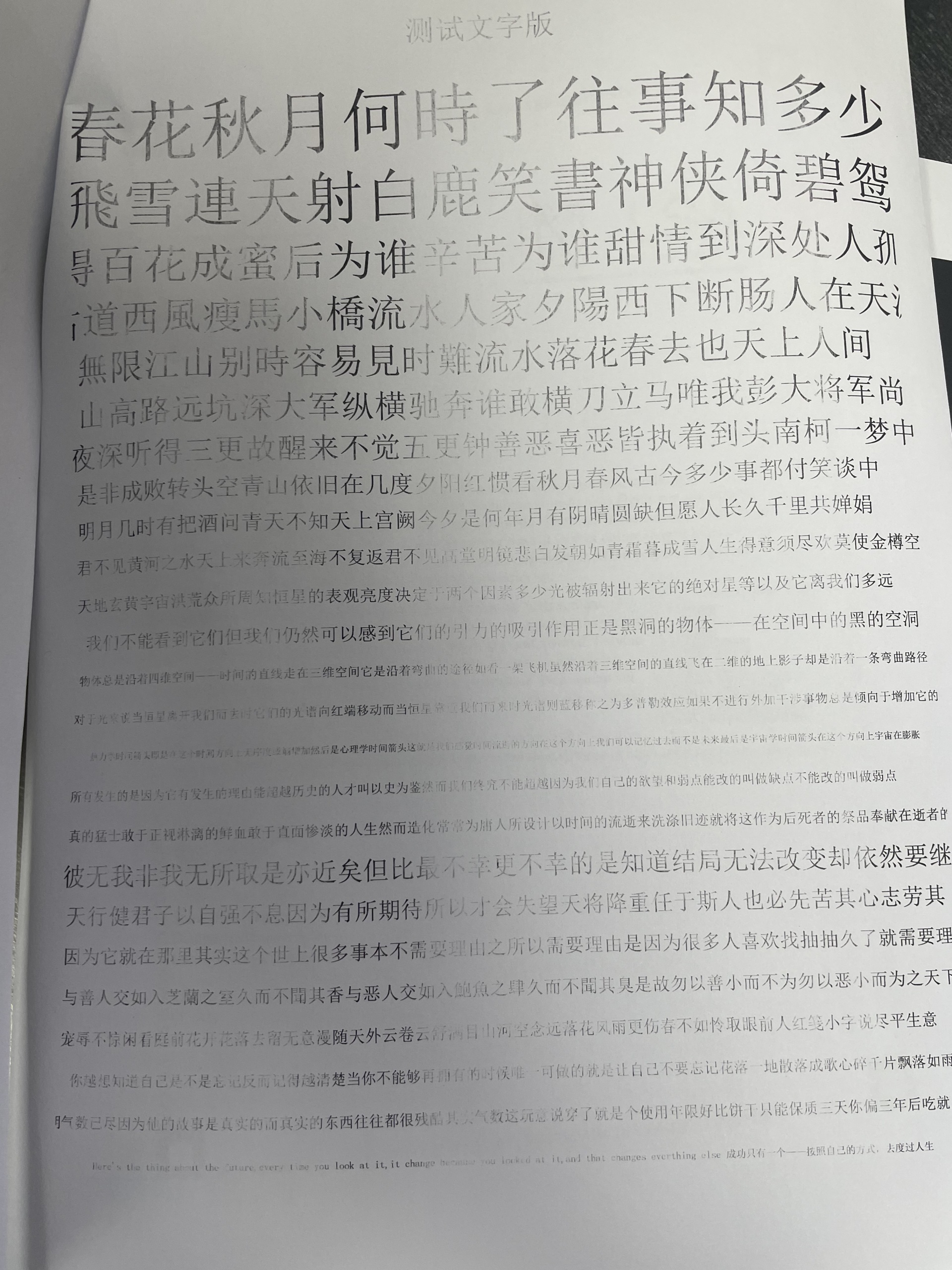
Self-examination method ②: There are traces on the printing paper but no color;
Solution: Reinstall the ribbon holder
2, the paper thickness adjustment is not appropriate
Self-examination method: there is a sound of needles, but the word marks are very shallow and the copy page is not clear;
Solution: adjust the paper thickness adjustment lever to the appropriate position, so that the print head and the paper to maintain a suitable distance;
3. The print head is damaged
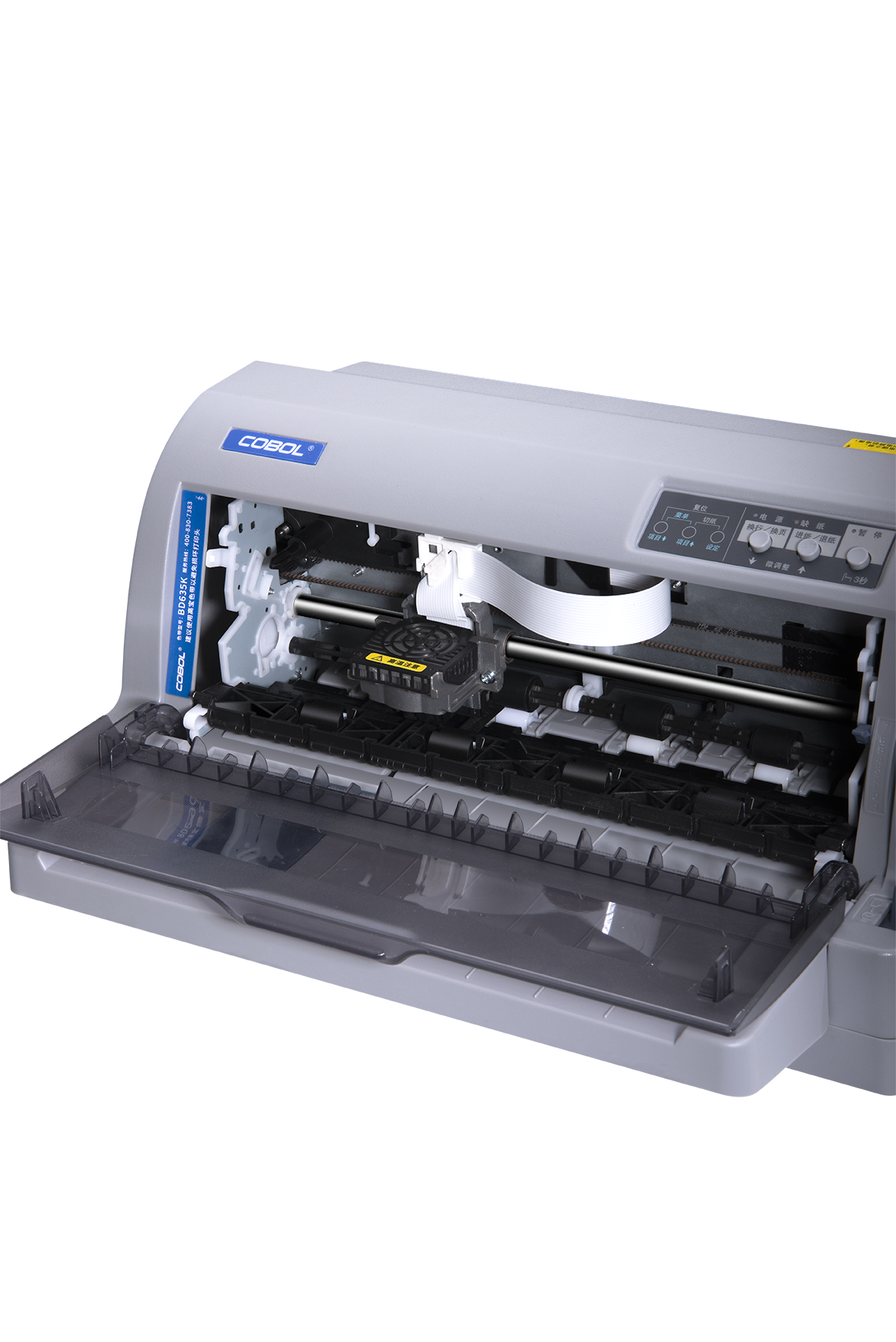
Self-inspection method: see if the printer's print head moves;
Solution: replace the new print head;
4. The printing needle is damaged
Self-examination method: check the marks on the paper, and remove the ribbon if the font is incomplete. The empty machine prints with multi-link paper. Look at the incomplete font of the second link paper, which indicates that the print head is broken.
Solution: replace the print head or replace the printing needle;
5. The print head cable is loose
Self-examination method: the printer can feed paper normally, and the print head can also make printing sound, but the content cannot be printed, and the gear position cannot be adjusted to the corresponding gear.
Solution: Use a screwdriver to remove the print head, check whether the two flat cables behind the print head are loose, if loose, then install the print head.
Related






National Service Hotline:400-830-7383
Telephone:86-0757-26628767
Fax: 86-0757-26381038
E-mail:market@chinacobol.com
Address: No.8 Jiqing Road, Ronggui Street, Shunde, Foshan, Guangdong

WeChat Public